
How to write an ATS-friendly resume
Most companies use applicant tracking systems (ATS) to screen resumes before a human sees them. If your resume isn't formatted with ATS in mind, it can be rejected automatically even when you're a strong fit for the role. This guide explains what ATS look for, how to format your resume correctly, and how to use keywords effectively.
What is an ATS?
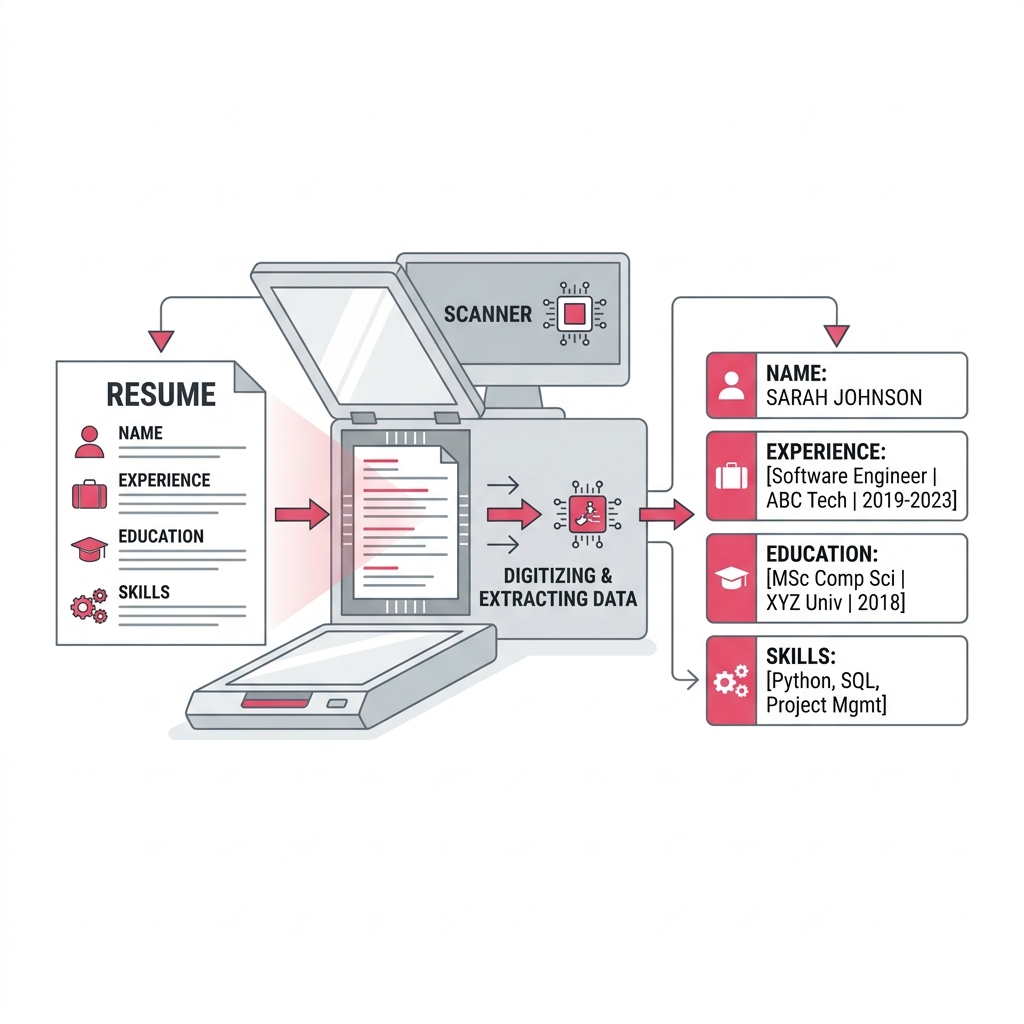
An applicant tracking system is software used by employers and recruitment agencies to manage job applications at scale. When you submit a resume through an online portal, the ATS parses the file — extracting your contact details, job titles, dates, skills, and qualifications — and scores it against the job requirements. Candidates who don't meet the threshold are filtered out before a recruiter ever sees the application.
Common ATS platforms include Workday, Greenhouse, Lever, Taleo, and iCIMS. Each uses slightly different parsing logic, but the formatting principles that help one generally help all of them.
Formatting that works for ATS
The way your resume is structured has a big impact on whether an ATS can read it accurately. Formatting issues are one of the most common reasons for rejection, and they are entirely preventable.
- Use a single-column layout. Multi-column designs look polished to the human eye but confuse most ATS parsers. The system reads left to right, top to bottom, so a two-column layout can mix up your job titles with dates or merge two separate sections together.
- Use standard section headings. Labels like "Work Experience", "Education", and "Skills" are reliably recognised. Creative alternatives like "My Journey" or "What I've Done" may not be parsed correctly, and the content beneath them could be ignored entirely.
- Avoid images, icons, and text boxes. Graphics are invisible to ATS. If you put your contact details inside a header image, the system will not extract your email or phone number.
- Use standard fonts and avoid tables for layout. Some parsers struggle with table-based layouts and may scramble the order of your content. Stick to simple paragraph and bullet point formatting.
- Save as a text-based PDF or Word file. A PDF generated from a text editor or word processor is readable by ATS. A PDF that is a scanned image is not — it appears as a blank page to the parser.
- Keep dates consistent. Use a clear format like "Jan 2020 – Mar 2023" or "2020–2023" throughout. Inconsistent or abbreviated date formats can confuse how the ATS orders your experience.
Keywords and how to use them
ATS rank resumes partly by matching the language in your document against the language in the job description. If a job asks for "stakeholder management" and your resume only says "managed relationships with clients", the system may not count that as a match even though the meaning is similar.
The most effective approach is to read the job description carefully and pull out the exact terms used for required skills, tools, qualifications, and responsibilities. Then use those terms naturally in your experience and skills sections — where they are accurate.
- Spell out acronyms at least once — write "Search Engine Optimisation (SEO)" so both the full term and the abbreviation are present.
- Match the seniority level in the job title where appropriate — "Senior Software Engineer" and "Software Engineer" can score differently.
- Do not stuff keywords without context — keyword stuffing is against most platform policies and will not help with human reviewers.
- Prioritise keywords that appear multiple times or early in the job description — those are the terms the employer values most.
CVEngine's keyword checker lets you paste both your CV and the job description to see which terms match and which are missing. Use it after writing your CV to spot gaps before you apply.
What to include in each section
A well-structured resume has clear, predictable sections. Here is what each should contain:
- Contact information — Full name, email address, phone number, and optionally your LinkedIn URL or city. Keep this in the main document body, not inside a header element.
- Professional summary (optional) — 2–3 sentences describing your background and what you bring to this role. Tailor it to the specific job. Use keywords from the job description here.
- Work experience — List roles in reverse chronological order. For each: job title, employer, dates, and 3–5 bullet points describing what you did and what you achieved. Lead bullets with action verbs and include measurable outcomes where possible (e.g. "Reduced processing time by 30%").
- Education — Degree, institution, graduation year. Include relevant modules or distinctions if they support the application.
- Skills — A concise list of technical tools, languages, frameworks, or soft skills that match the role. Do not pad this with obvious items — keep it targeted.
Common ATS mistakes to avoid
- Headers and footers for contact details — Some parsers skip content in the header/footer area. Keep your name and email in the main body.
- Fancy bullet point symbols — Unusual characters like arrows or stars can be misread. Standard hyphens or plain round bullets are safest.
- Key information inside images — If your job title or employer name is part of a logo or banner image, the ATS will not see it.
- Skills buried at the bottom — Many ATS weight early mentions more heavily. A short skills section near the top helps surface important keywords.
- Wrong file format — Always check the portal instructions. Some systems ask specifically for .docx rather than PDF. If unclear, prepare both.
Convert your CV to an ATS-ready PDF or Word file
CVEngine outputs single-column, text-based PDFs and Word (.docx) files built to work with ATS. Write your CV in Markdown — using plain headings, bullets, and bold — or upload an existing .md file. The live preview shows exactly how the exported file will look, and you can download either format in one click with no signup required. See Markdown to PDF or Markdown to Word for more detail, or go straight to the CV builder.